Audience
Immigrant women considering culinary training, plus the people who might refer them to the program.
Created for CIWA · Culinary Skills Training · 2026
CIWA Culinary Skills Training
Three Reels. Two carousels.
A walkthrough, a warm invitation and a game. I used three different stories to help prospective participants picture the training experience.
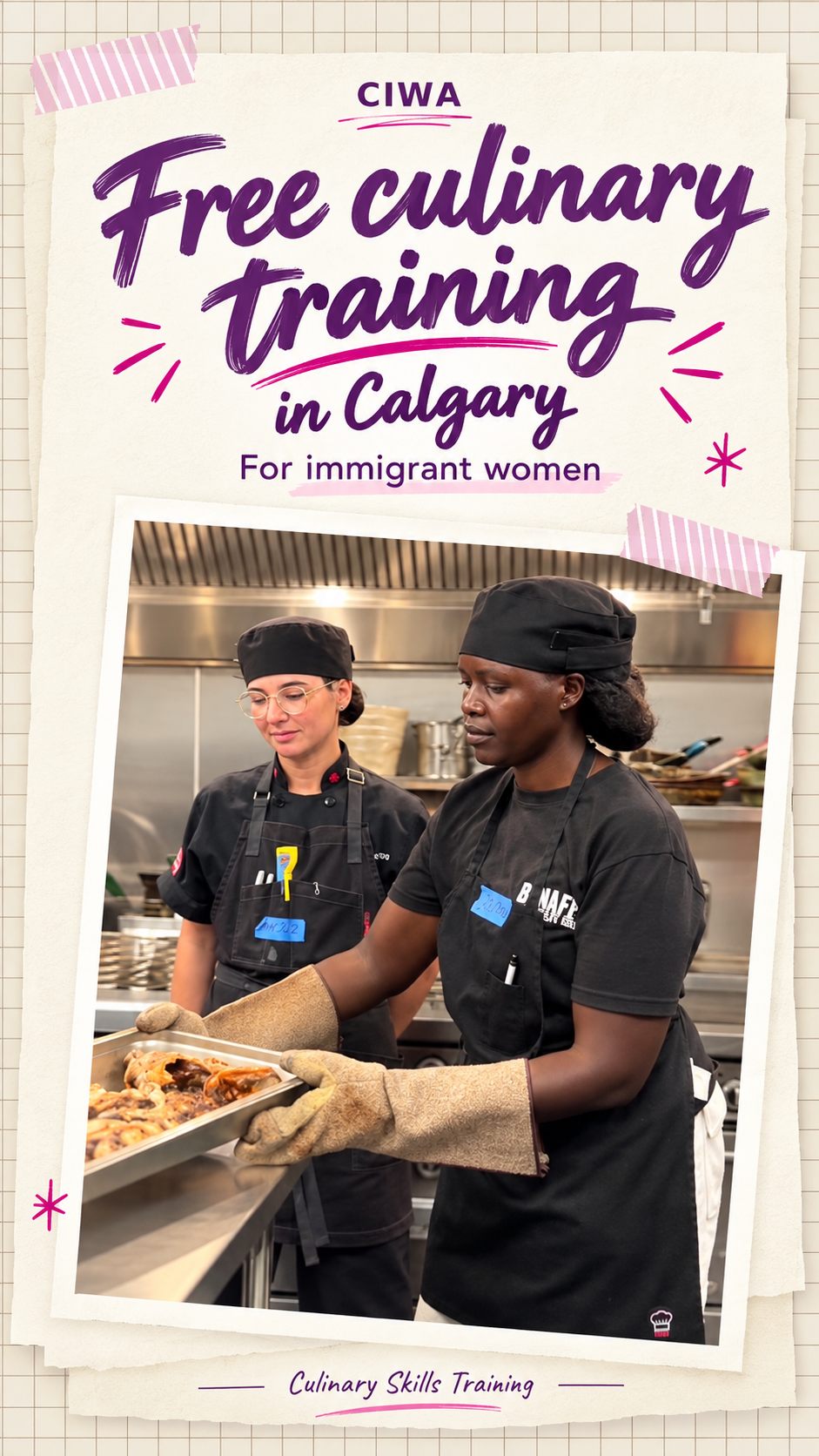
01 · The brief
Immigrant women considering culinary training, plus the people who might refer them to the program.
Show real learning moments. Give each video a different purpose so the series adds information instead of repeating the same tour.
Three Reels, two eight-slide carousels and three documents with Instagram, Facebook, LinkedIn and YouTube Shorts copy.
02 · Video production
One program, three different starting points. Each Reel answers a different question with its own structure, headings and editing rhythm.
01 · A clear walkthrough
What will I actually learn?
Six short steps show classroom learning, an instructor demonstration and supported practice. The sequence makes an unfamiliar training day easier to picture.
Read the platform captions ↓02 · A warm invitation
Will I feel comfortable here?
A photo-album style brings the viewer closer to the people and the classroom. Warm headings such as ‘Pull up a chair’ create a welcoming tone.
Read the platform captions ↓03 · A day as a game
Where do I start?
Finding ingredients, watching the chef and trying a task become small missions. The game format gives the third Reel a distinct story and pace.
Read the platform captions ↓03 · Carousel design
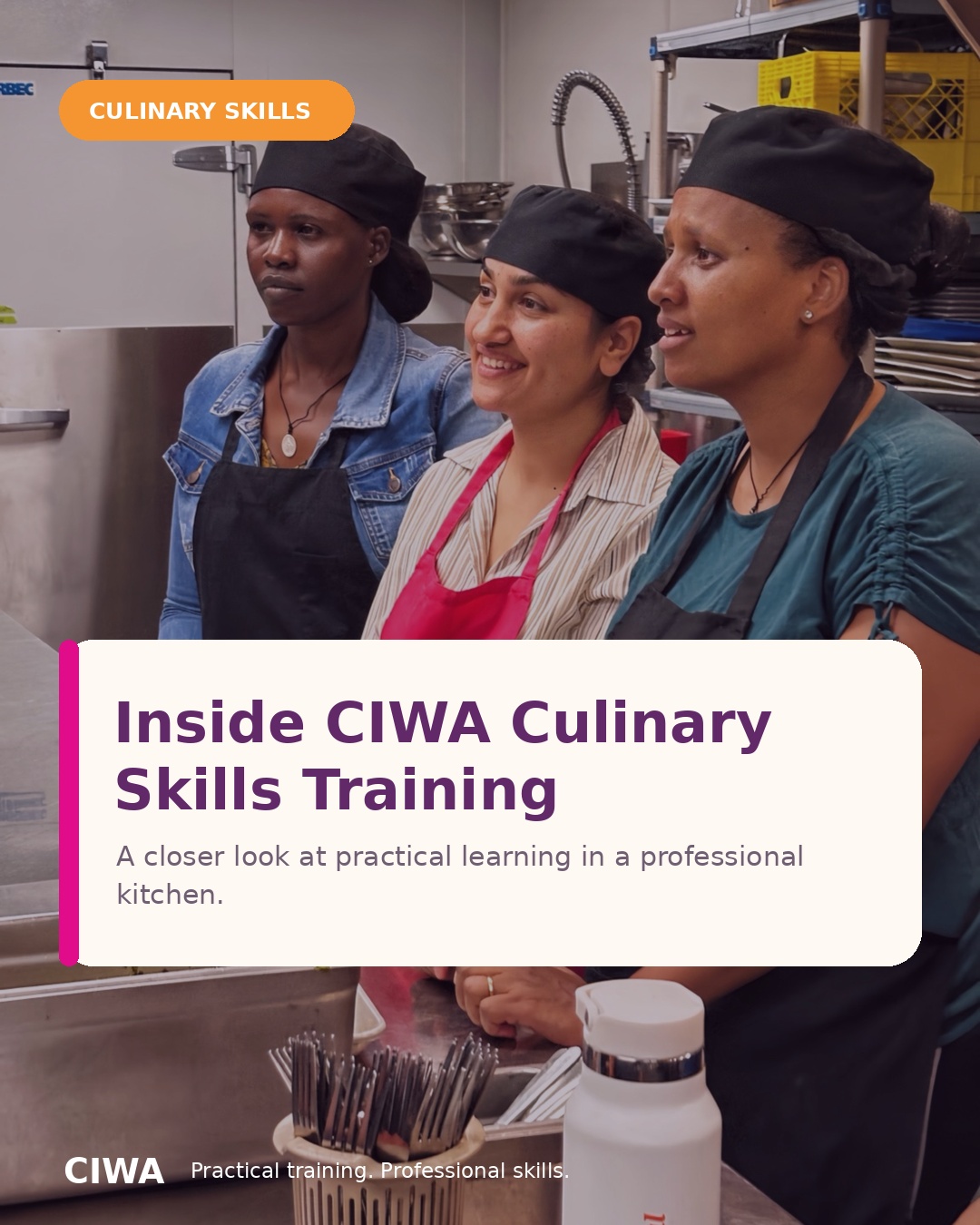
Two eight-slide stories turn classroom scenes into useful, saveable information. Use the arrows to read each set.
Eight frames move from classroom learning to demonstration and supported kitchen practice.
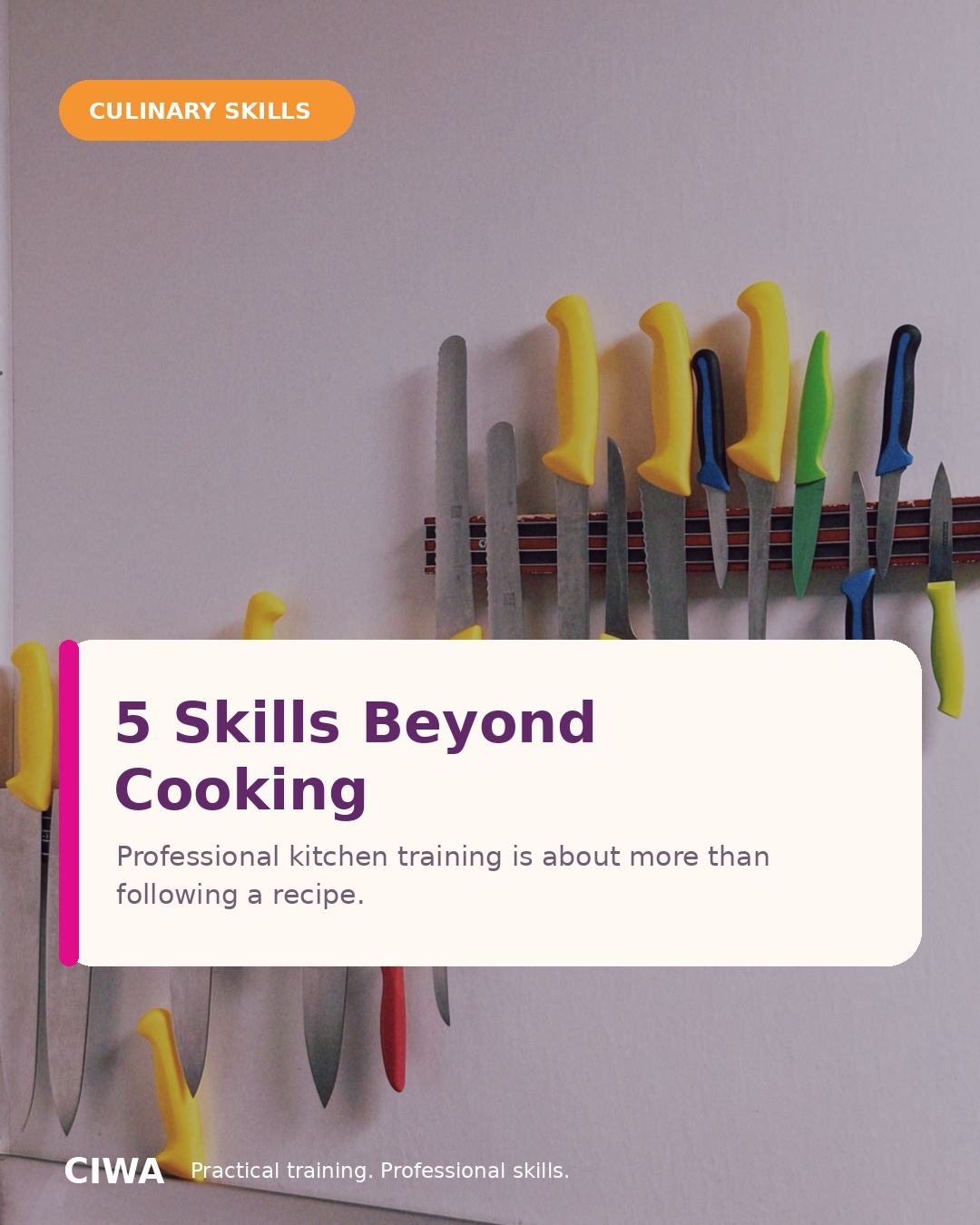
Food safety, preparation, organisation, equipment confidence and portion control show the work behind the recipes.
04 · Platform writing
The footage shows the people, the instruction and the practice. The accompanying copy adds program information and a next step. Each platform version addresses a different reader.
Instagram · Prospective participants
“Six steps from ‘I've never worked in a Canadian kitchen’ to cooking with confidence.”
The first Reel’s caption echoes its six-step structure, then adds practical program details.
Facebook · Friends and referrers
“Know a newcomer woman who would love this? Tag her or share this post.”
The second Reel’s version includes more practical context and a direct referral request.
LinkedIn · Employers and partners
“Hiring in food service? We'd love to connect you with our graduates.”
The call to action addresses hiring and referrals rather than asking the reader to enrol.
YouTube Shorts · Program discovery
“Kitchen Quest: One Day, Three Missions”
The third video’s title keeps its creative concept visible alongside the program topic and location.
Excerpts from the supplied platform-copy documents. Program details in the originals reflect the preparation period; they are not performance results from this content.
05 · Delivery & next steps
The work includes video exports, covers, carousel slides and platform-copy documents. Publishing notes help a coordinator use the series and keep time-sensitive details current.
Vertical video exports were prepared at 1080 × 1920 and 720 × 1280. Each Reel has a still cover. The two carousels each contain eight 1080 × 1350 slides.
The notes recommend spacing the posts apart, using a different hook for each Reel and uploading the video directly to each platform.
Before publishing, confirm the intake date, contact details and any program statistics. These details need maintenance even when the creative still works.
Watch time and completion rate would help compare the walkthrough, invitation and game openings.
Saves, shares and relevant questions would show which information people want to keep or pass on.
Program-page clicks and inquiry emails would help assess response. Attributing inquiries to a post would require tracking or a source question.
This case presents completed creative work. Publication, reach and enrolment results have not been verified.